
Create Story Books
Coloring Book Generator
Turn a story idea into a plan for connected coloring pages. Give your book a title, describe its characters and adventure, and choose the number and shape of the pages.
A rabbit’s garden adventure
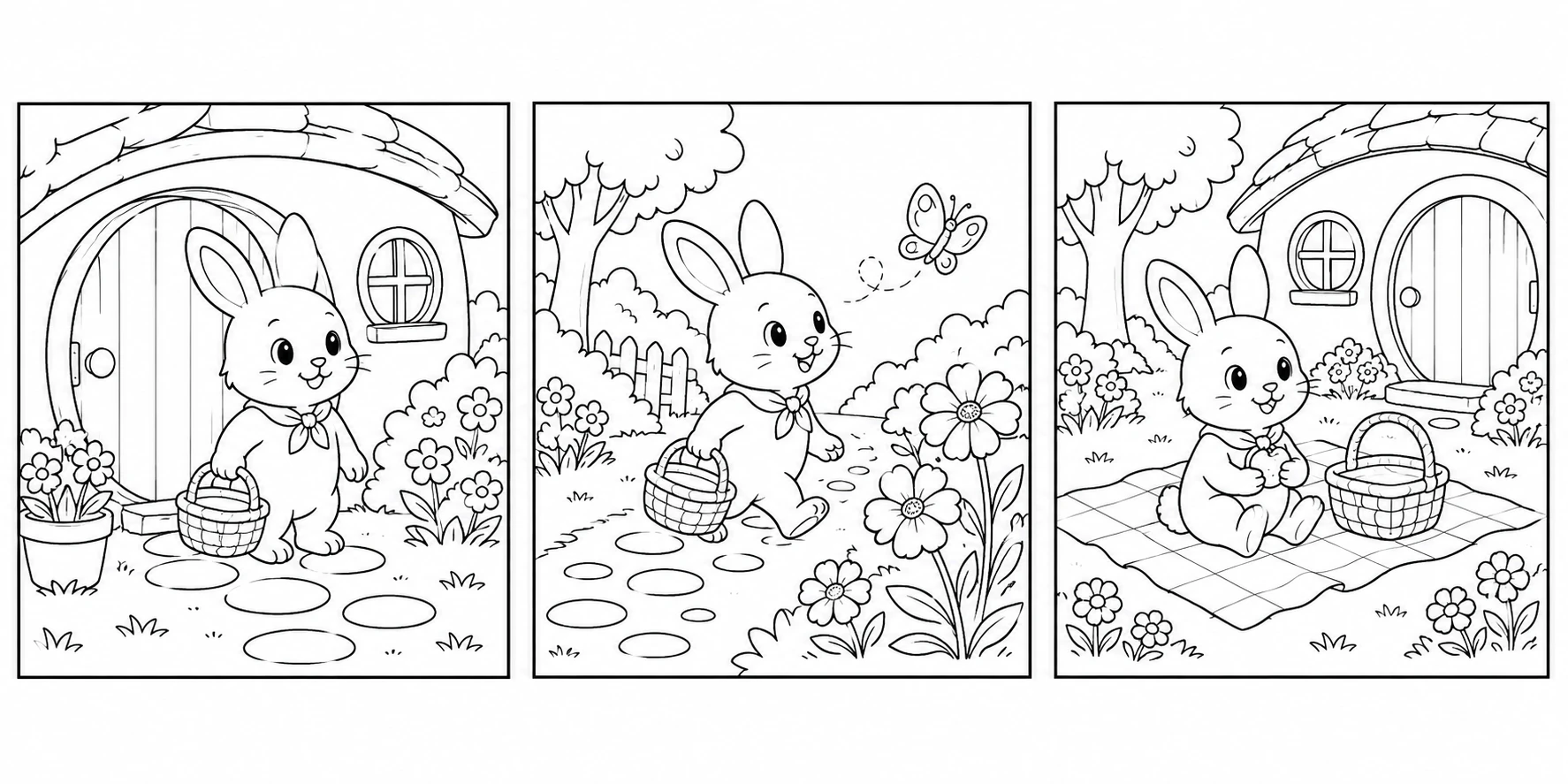
A story, one scene at a time
- Introduce one main character and a setting.
- Describe a beginning, an adventure and an ending.
- Choose enough pages to give each scene room to color.
For example, a garden adventure could begin at a rabbit’s home, follow a butterfly past the flowers, and end with a picnic. This is a story idea, not a generated book.
Looking for a single page?
The photo and text workspaces remain separate. Start without signing in and check the availability shown in each tool.
Photo books are a different product
The optional paid photo book starts from an accepted photo preview, with a 12-page Letter or A4 PDF as its intended output. Checkout is being prepared. It does not generate the story entered here, and it does not replace this story workspace. No draft is carried into checkout.
Explore the separate photo-book optionPlan your story in three steps
Step 1
Name your story
Give your book a title and describe one main character. Add a setting, a beginning, an adventure and an ending so the scenes belong together.
Step 2
Give each scene room
Plan 1–20 pages, starting from 6. Portrait suits a tall character, square suits a simple scene, and horizontal leaves room for a landscape.
Step 3
Keep your outline
The current form is a planning space only. Copy your draft somewhere safe before leaving. Story generation, page browsing and downloads are not available yet.
Ideas for your book
Family storytelling
Invent an adventure together and let each child suggest what happens next. Keep familiar characters and one clear action per scene.
Classroom sequencing
Plan a beginning, middle and end for a reading or creative-writing activity. Use original characters and leave out children’s identifying details.
A personal celebration
Outline a birthday treasure hunt or a seasonal garden adventure. The draft is a creative starting point, not a finished or purchased gift.
Story-book questions
Not yet. You can fill in the title, story, page count and shape, but generation remains disabled while the AI service is being selected. There is no generated-page carousel, current-page download or ZIP delivery in this version.
No. It is a separately prepared AI-created illustration to show a beginning, middle and end. Typing into the form does not change this example or send your draft to an AI service.
Use a title of 3–120 characters and a story of 10–3,000 characters. Choose 1–20 pages, with 6 as the starting value, then portrait, square or horizontal. These are planning choices, not a promise of a generated file.
No account or payment is needed to outline a story. This page does not save your draft to an account. Leaving or reloading can lose it; Clear draft resets the form. Copy any text you want to keep first.
No. Story books start with your written idea. The separate custom photo book starts from an accepted photo preview and has its own theme, paper size and checkout. Your story draft is never carried into that order.
Give your next story a starting point
Outline it here without an account. Generation is unavailable; no story is submitted or charged.