
Prepare a coloring page · no account
Image to Coloring Page
Explore AI image-to-coloring-page conversion for family photos, pet pictures and classroom images. Prepare your photo in the browser, choose the line detail and browse printable examples.
Prepare your photo
JPEG, PNG, or WebP · maximum 10 MB
4 free credits included · 2 credits per generation
Your printable page
A generated result is separate from the examples below
Your preview will appear here.
A familiar face, a new way to color
A pet portrait can inspire a personal coloring activity. Both images below were AI-created for this site’s example pair. This is an illustration of the idea, not a before-and-after from the live tool or a promise that an uploaded photo will look the same.
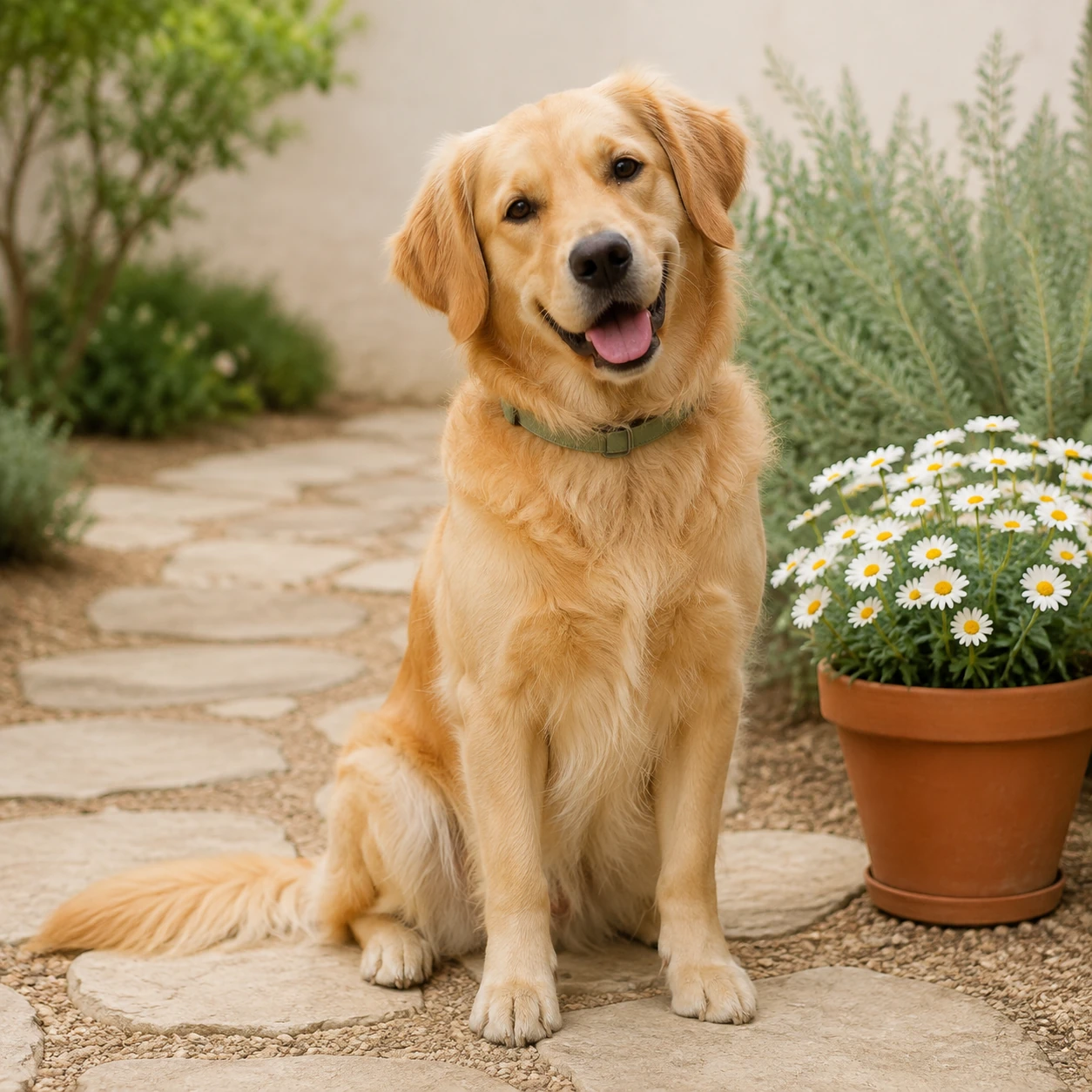
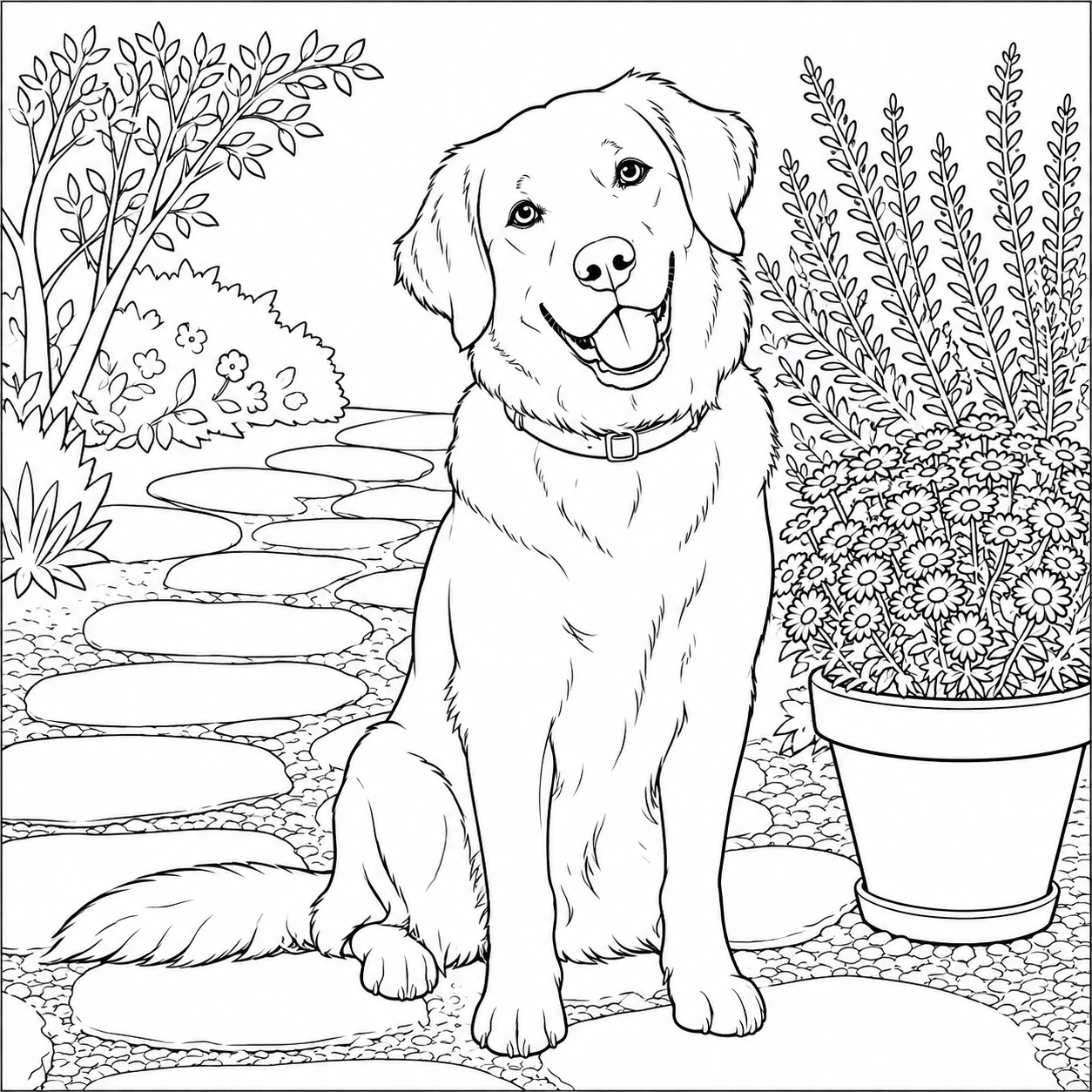
Try a clear, well-lit subject with space around the face and paws. Rotate and crop locally, then choose a line-detail level. Dedicated face preservation and background removal are not available yet.
Convert a photo to a coloring page in 3 steps
Start with a family, pet or everyday photo you have permission to use. Prepare it locally, generate one private preview and compare the result with your source before downloading. The sample collection is separate from your result.
Upload an image
Choose one JPEG, PNG or WebP image up to 10 MB. A clear subject and an uncluttered background give you a useful starting point.
Choose your settings
Rotate the photo, adjust the center crop and select simple, balanced or detailed lines. Dedicated face-preservation and background-removal controls are not available.
Review and download
If processing succeeds, inspect the preview before downloading a PNG or printing it. Check the face, important details and page fit; do not treat a loading or error state as a finished image.
AI image-to-coloring-page converter: features and availability
Photo-to-line-art preview
Use a photo as the starting point for an outline coloring page. Recognition quality varies; inspect the actual result rather than assuming every detail is preserved.
Face preservation: not yet available
There is no dedicated keep-face setting in this workspace. Recognizability and facial detail have not been validated, so check any completed preview carefully.
A simpler starting scene
Center crop can reduce distractions around your subject, but it does not remove the background. The former background-removal option is not enabled.
Clear processing states
The workspace shows processing, a completed preview or an error. Conversion speed is not verified, and a failed request does not produce a substitute image.
Review before you print
Choose a line-detail level and inspect a successful preview for clear outlines and comfortable coloring spaces. Print quality is not a professional-quality guarantee.
Familiar image formats
Use JPEG, PNG or WebP files up to 10 MB. The browser prepares a resized working copy; your original file is not saved by FuntimeColoring.
Coloring ideas for home and the classroom
Family albums
Try a favorite pet or family moment for a shared coloring activity. Get permission from the people pictured and check their likeness in the result.
Teaching materials
Use an object, plant or classroom photo you are allowed to share. Inspect the result for clarity before including it in a lesson.
Creative gifts
A personal photo can be a starting point for a coloring-page keepsake. The optional paid photo book is a separate product, not required to use a successful single-page preview.
Art practice
Use a familiar subject to explore color matching or shading. Choose a detail level that leaves enough open space for the activity.
Frequently asked questions
Choose one JPEG, PNG or WebP file up to 10 MB. Other formats and larger files must be converted or resized before selection.
A dedicated face-preservation control is not enabled. We cannot guarantee likeness or accurate facial details; review the completed preview before using it.
Quality depends on the source photo and processing result. Use a clear subject, inspect the outlines and check print fit. Real-model quality and completion times still need verification.
This workspace handles one photo at a time, not a batch. Download a successful page before replacing it with another photo; this is not a saved photo gallery.
Commercial-use rights remain unverified. Only upload photos you are authorized to use, and do not assume that generating a page or buying a book grants a commercial license.
Start with a photo that means something to you
Choose one clear photo, prepare the crop and check any successful preview before printing. No account is needed to begin.